
Monitor Your Electricity Meter at Any Time with Real-Time Updates
It has never been this easy to manage your electricity. You can monitor your electricity meter’s progress with PowerSmart App PK in one location, from connection requests to usage updates. No more waiting on the phone or going to offices.
What Is Trackable? using Power Smart
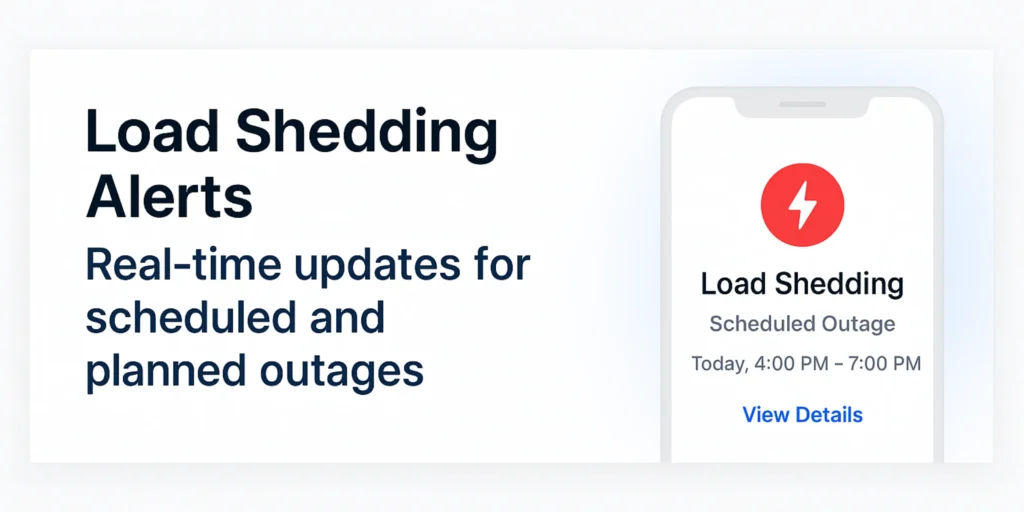
You have total control and transparency over your energy requirements with Power SmartApp. What you can easily track is as follows:
Track the status of your new meter request with the Meter Installation Progress. Every stage is updated, from submitting the application to the final installation.
Requests for Meter Changes: If you have asked for a new meter, follow its progress from approval to shipment and on-site installation.
Reading Submissions: Verify whether the business has read your meter or if it has been manually submitted by you.
Bill Generation Timeline: Find out precisely when your meter is read and when the bill for that cycle is generated.
Request Status: The app provides real-time progress information for any request, including load extensions, due date extensions, and profile changes.
Smart Meter Upgrade: The app displays the current status of the upgrade process, from request to testing and activation, if you’re making the switch to a smart meter.
Follow-ups for Fault Reporting: After filing a complaint, you can monitor the power company’s progress in real time.
Load Shedding Alerts: Find out when your area will experience planned or unexpected load shedding.
How It Operates, Step by Step
The Tracking & Progress feature is very simple to use. This is a summary:
Step 1: Open the app and log in.
Launch the PowerSmartApp.
Enter your registered email address or mobile number to log in.
Choose your linked meter reference and profile.
Step 2: Select “Tracking & Progress.”
Select “Track Progress” from the home screen.
Select the service request or meter that you wish to adhere to.
Step 3: Examine Up-to-Date Information
The app displays a progress bar or timeline.
Every stage is noted, such as “Application Received,” “In Review,” “Dispatched,” and “Completed.”
Additionally displayed are dates, comments, and the responsible department.
Step 4: Receive Alerts
Push notifications will be sent to you whenever your progress is updated.
You don’t have to keep checking because the app notifies you right away.
Why Is It Different?
You can do more with PowerSmart App PK than just view your electricity bill. It is a comprehensive energy tracking digital dashboard. The progress features are useful for:
Saving time by avoiding in-person visits
lowering anxiety because you are always aware of the situation
Preventing delays: you’ll be able to see where and why something is pending.
Transparency: be aware of the precise actions and timing of the electricity provider